See the event as it happens, not in the recording
Video analytics turns the cameras you already have into a response system: it recognises an event in the image and tells the operator which camera, at what time, with a preview.
Cameras multiply. Operators do not.
One person cannot keep an eye on dozens of feeds at once, so footage gets reviewed after the incident to work out what went wrong. Analytics reverses that order: an algorithm analyses the image, and a person gets an alert and a specific camera.
CHUVION deploys ready-made, working video analytics in Poland. Eight analytics are ready to switch on; custom solutions are built separately, after a feasibility check.
What we detect
Each analytic works on its own. You switch on the ones that make sense at your site and pay for those. Pick a camera to see what the operator sees.
The frames are illustrative visualisations, not recordings from deployments. The percentages show an example confidence level.
- Security
- Health, safety and fire
- Site operations
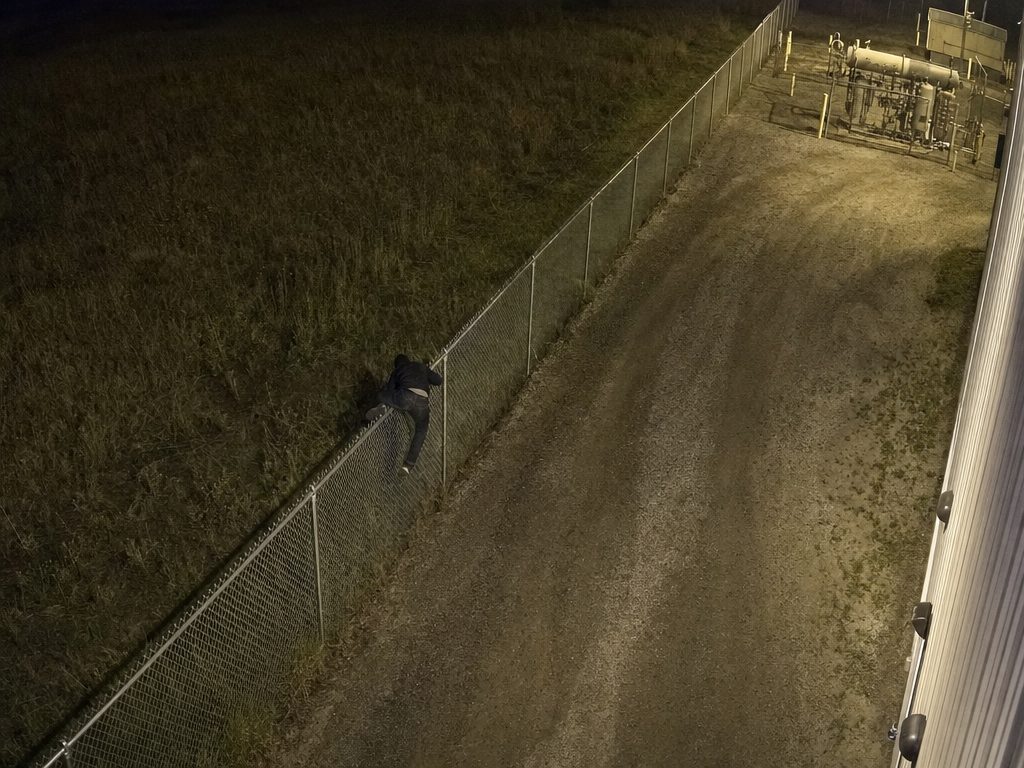 Person · protected zone · 96% CAM 05 · NORTH FENCE Alert · operator notified
Intrusion detection
Industrial and logistics sites, storage yards
The system analyses the camera image and detects the crossing of a boundary you define. Fewer false alarms: it tells a person and a vehicle apart instead of reacting to every movement in the frame. More
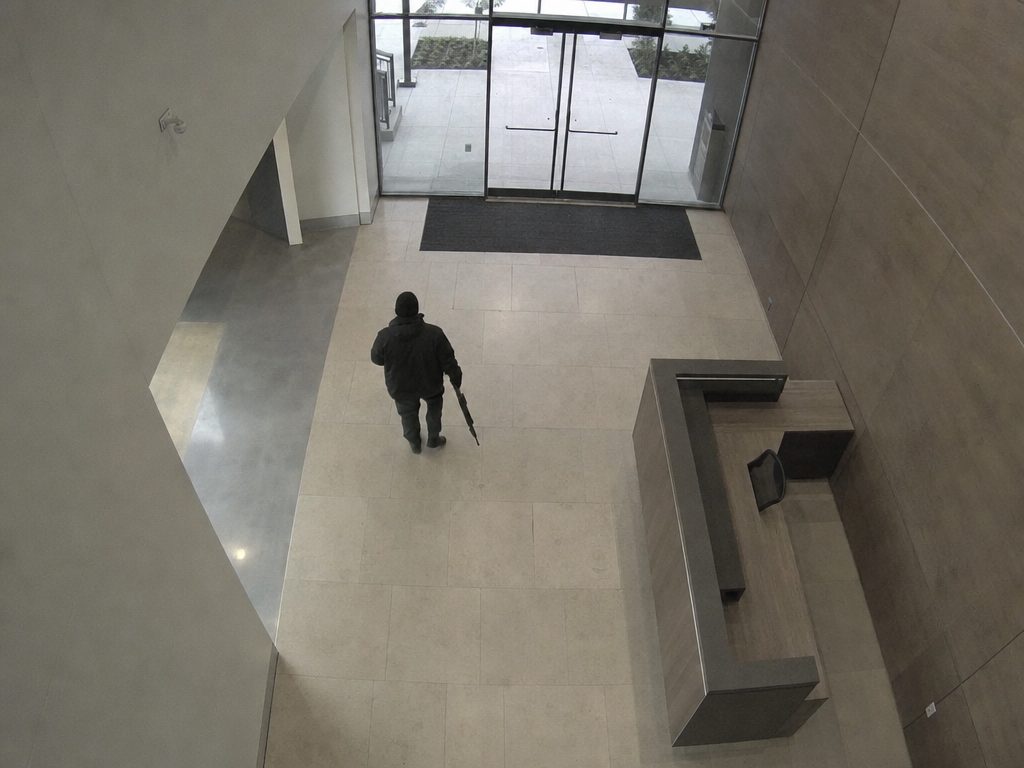 Person · 97% Weapon · alert · 91% CAM 15 · ENTRANCE HALL Priority alert · operator notified
Firearm and weapon detection
Site security, schools and universities, public spaces
Covers firearms and selected melee weapons visible in the frame. Immediate alert with a preview of the camera on which the object was recognised. More
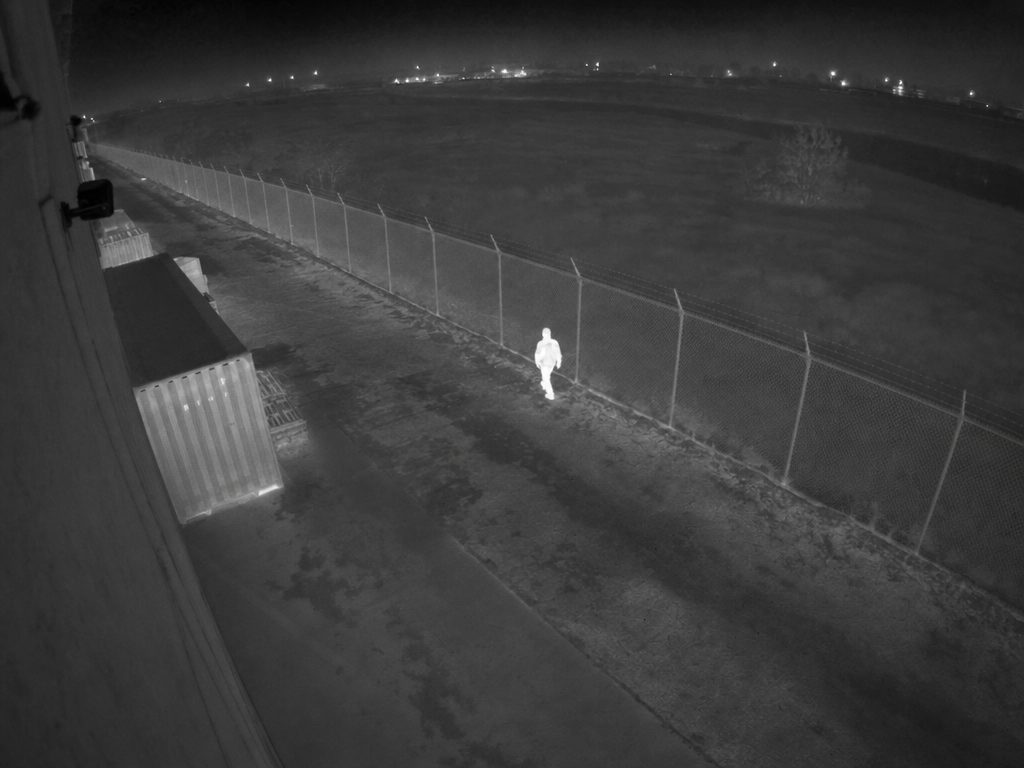 Person · thermal · 95% CAM 09 · PERIMETER · THERMAL Alert · operator notified
Thermal person detection
Perimeters, critical infrastructure, large grounds
Detection and tracking of people in thermal imaging: in darkness and bad weather, where a visible-light camera sees nothing. Requires thermal cameras; if you do not have them, we scope and quote the hardware separately. More
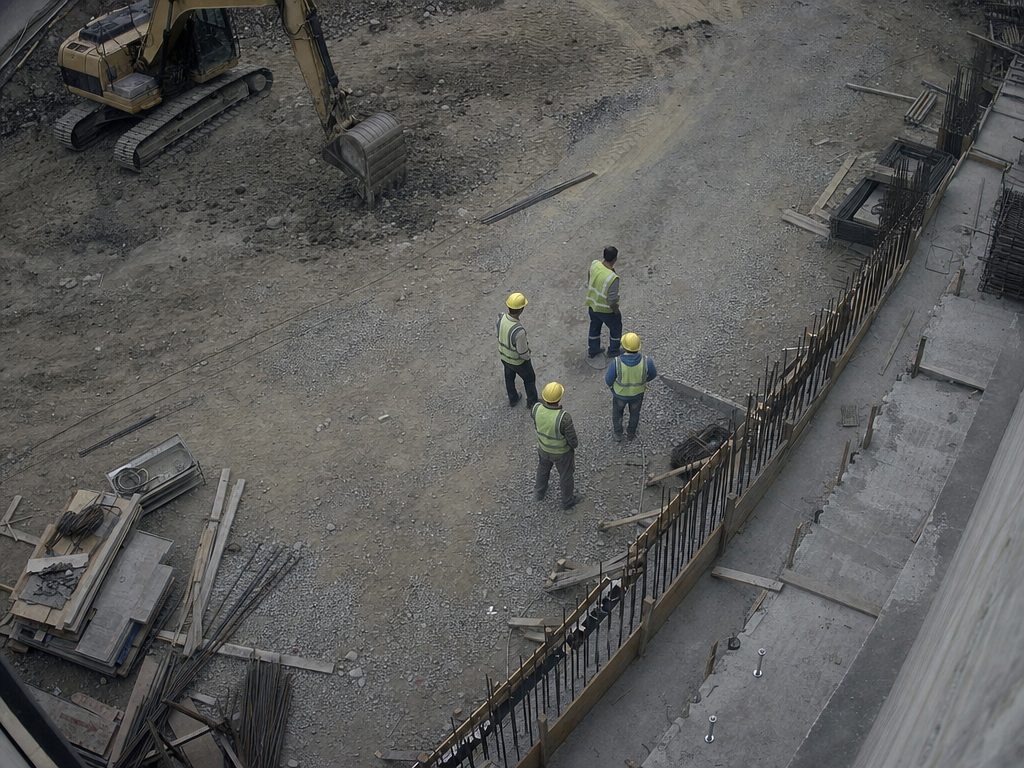 Person without helmet · 94% CAM 03 · CONSTRUCTION SITE Event · entry in the safety report
PPE and safety compliance
Construction, heavy industry, manufacturing plants
Automatic detection of missing required personal protective equipment in designated zones. Real-time alerts plus compliance reports for the safety team, instead of manual walk-arounds. More
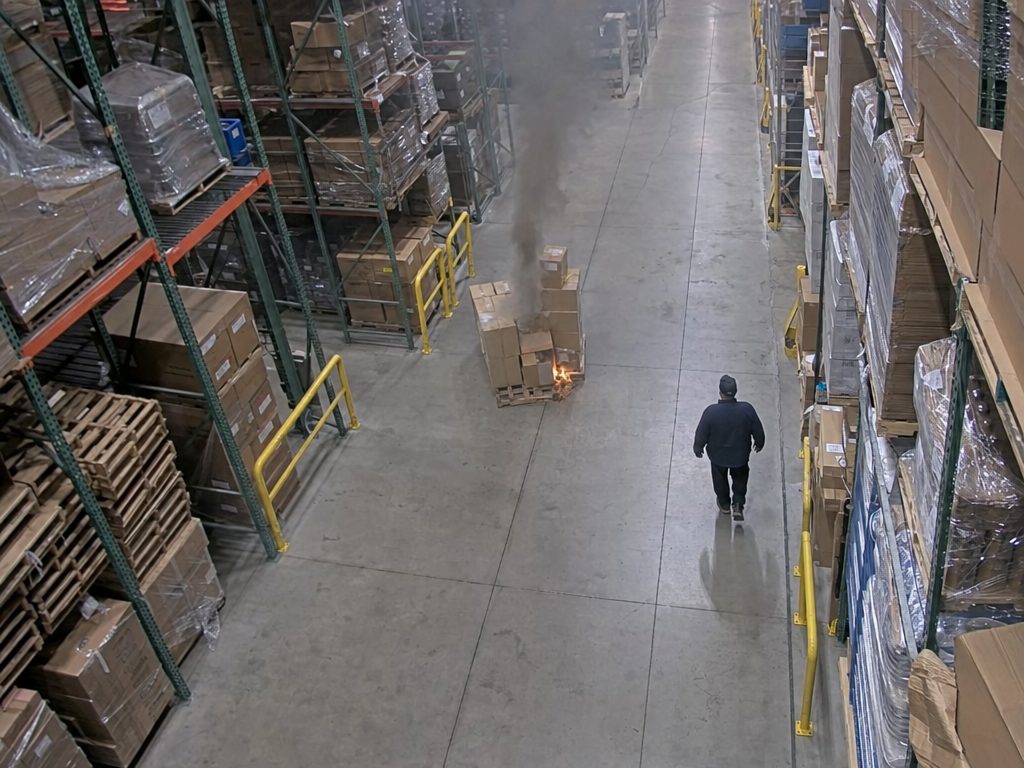 Smoke and fire · 97% CAM 11 · WAREHOUSE A Alert · operator notified · clip saved
Fire and smoke detection
Halls, high-bay warehouses, open areas
Complements the fire protection system where a point detector reacts late: in large volumes and outdoors. It does not replace a fire alarm system. More
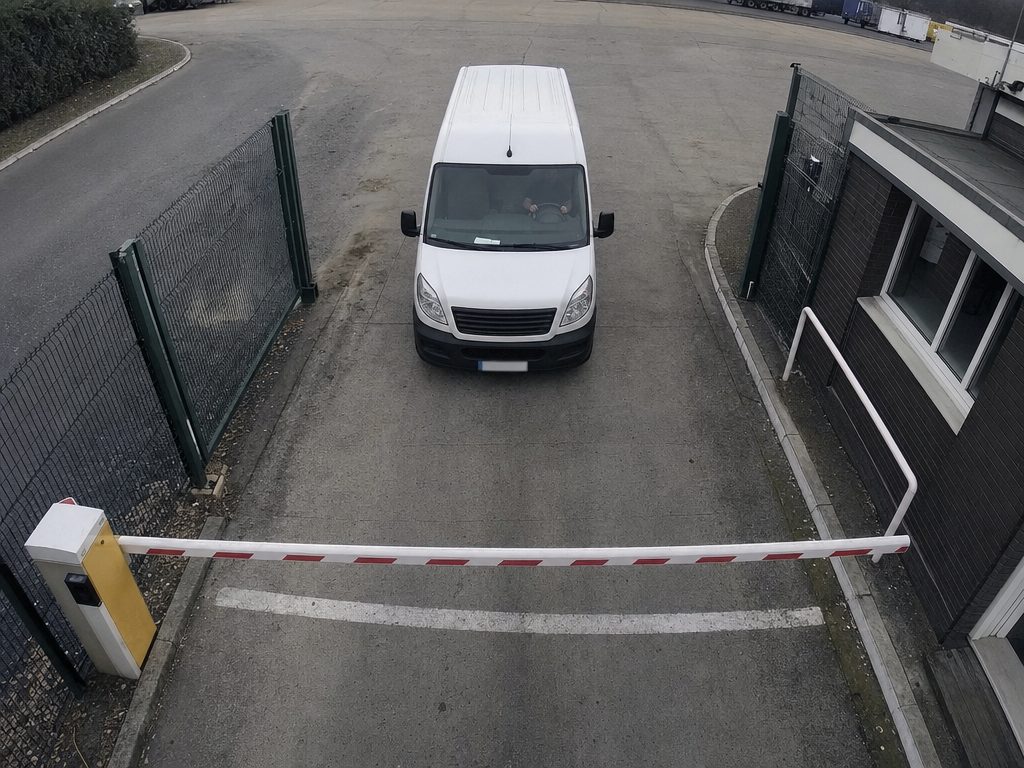 Plate · read · 99% CAM 01 · ENTRANCE GATE Read · entry in the access log
Number plate recognition (ANPR)
Car parks, entrance gates, logistics
Real-time reading, with handling of entries, exits and gate automation. Not tied to a single camera manufacturer. More
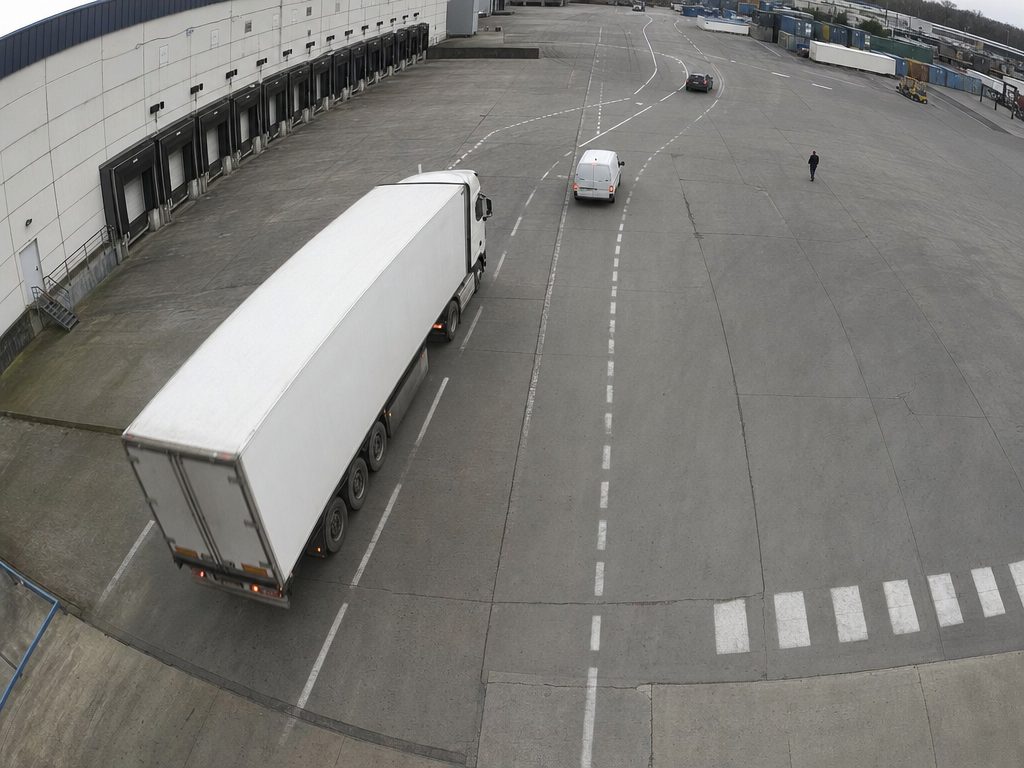 Truck · trailer · 98% Van · 96% CAM 08 · YARD Entry · vehicle type and dwell time
Vehicle detection and classification
Yards, terminals, internal roads
A basis for billing, throughput control and detecting improper parking. More
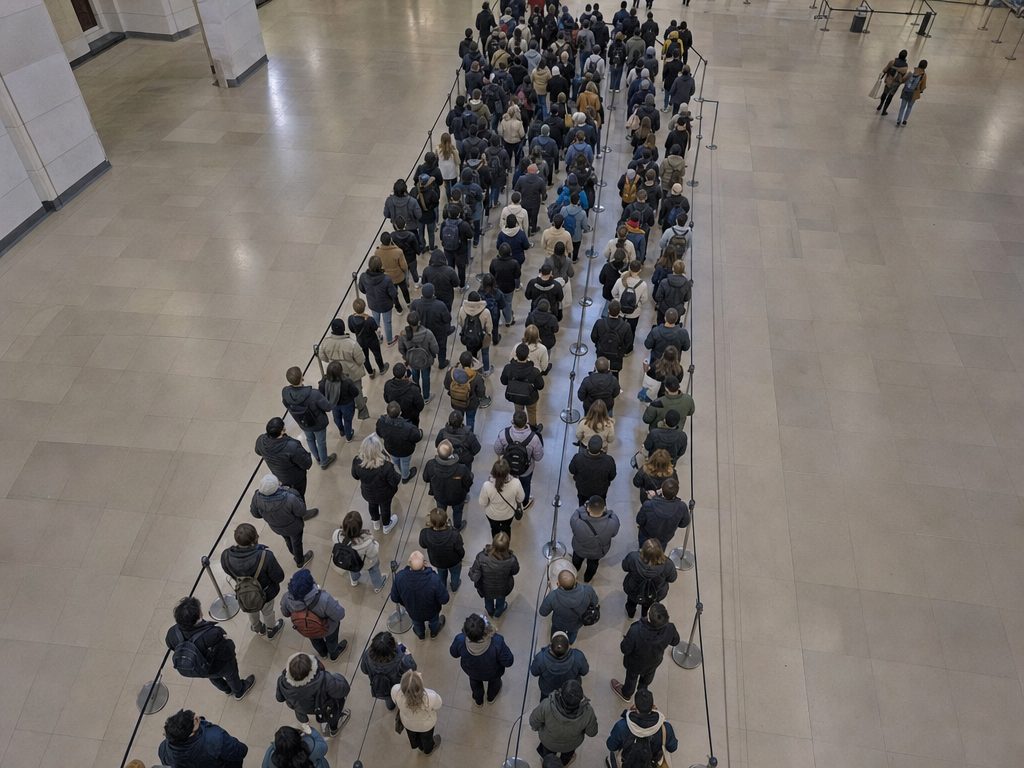 Queue · high density CAM 14 · MAIN HALL Alert · occupancy limit exceeded
Queue and crowd analytics
Retail, stations, public venues, hotels
Data for staff planning and for keeping to occupancy limits, without identifying anyone. More
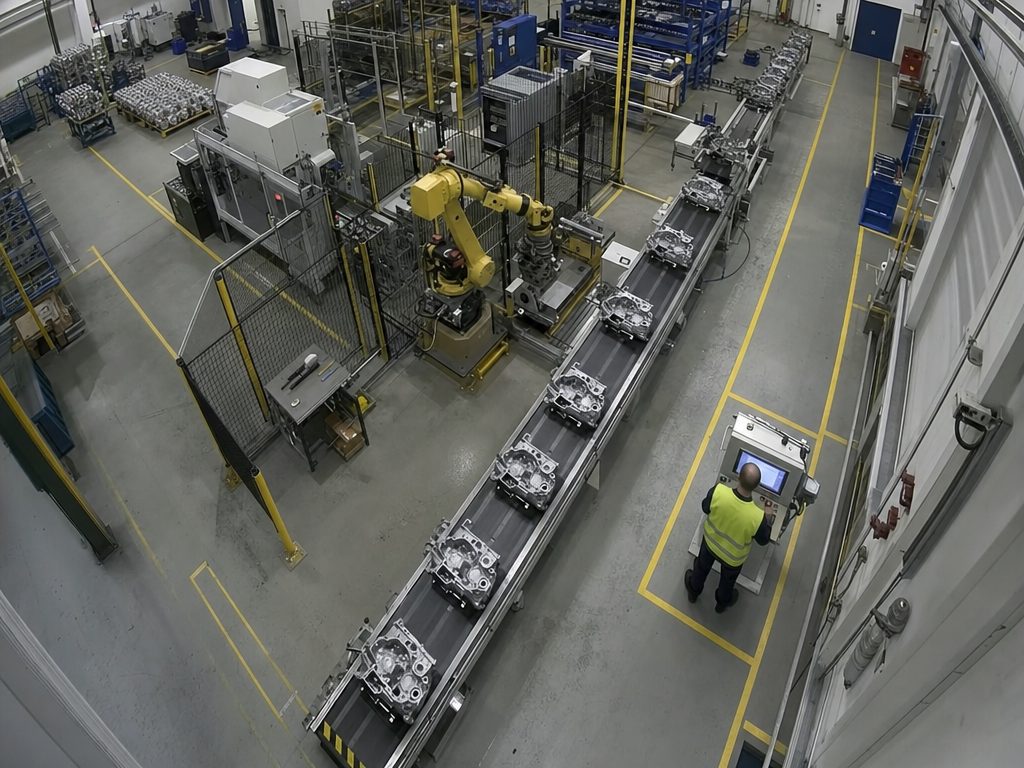 Part · compliant · 99% CAM 16 · LINE 3 Entry · quality control
Custom analytics
Unusual cases specific to your plant
From a feasibility check on your footage, through a pilot, to production deployment. More
Inside the warehouse
People, vehicles, machine work zones. The system sees who entered the zone you define around the equipment.
Who uses it
The same cameras, a different question in every department: who came in, are they wearing a helmet, why is the gate blocked, what is going on at the site.
Security
Intrusion, weapons, thermal, perimeter. The operator gets an alert instead of a wall of feeds.
Health and safety
PPE, closed-off zones, fire and smoke. Audit-ready reports instead of walk-arounds.
Maintenance
Vehicles, gate throughput and stoppages in the yard and on the lines, plus breaches of the rules you set yourself.
Logistics and parking
Number plates, vehicle classification, queues at ramps and gates.
Management
One picture of the whole site instead of reports from three departments. Events with a clip and a time, so decisions on security and safety rest on evidence, not on second-hand accounts.
You start with the cameras you have. New hardware is the exception, not the rule.
Response as the event happens
Not after the fact, while reviewing recordings. The operator gets the camera, the time and a preview.
Usually no camera replacement
The analytics connect to the CCTV installation you already have, without costly server upgrades. If you do not have cameras yet, we help you choose them.
Less operator fatigue
Attention goes where something is happening, instead of spreading across dozens of feeds at once.
Compliance and evidence
An event log in a form fit for an audit, instead of notes from a walk-around.
No facial recognition
The system detects events and objects; it does not identify people and does not build profiles. What is stored and for how long, for example plate readings, you decide at deployment.
Billing that fits your scale
Licence, subscription or pay-per-use in the cloud, depending on the number of cameras and video streams, the analytics you choose and the computing power needed.
On the construction site
Helmet, high-visibility vest, entry into a machine work zone or a closed-off area.
Where it runs at your site
It connects to the cameras you already have. Pick an analytic to see which cameras feed it and where the result goes.
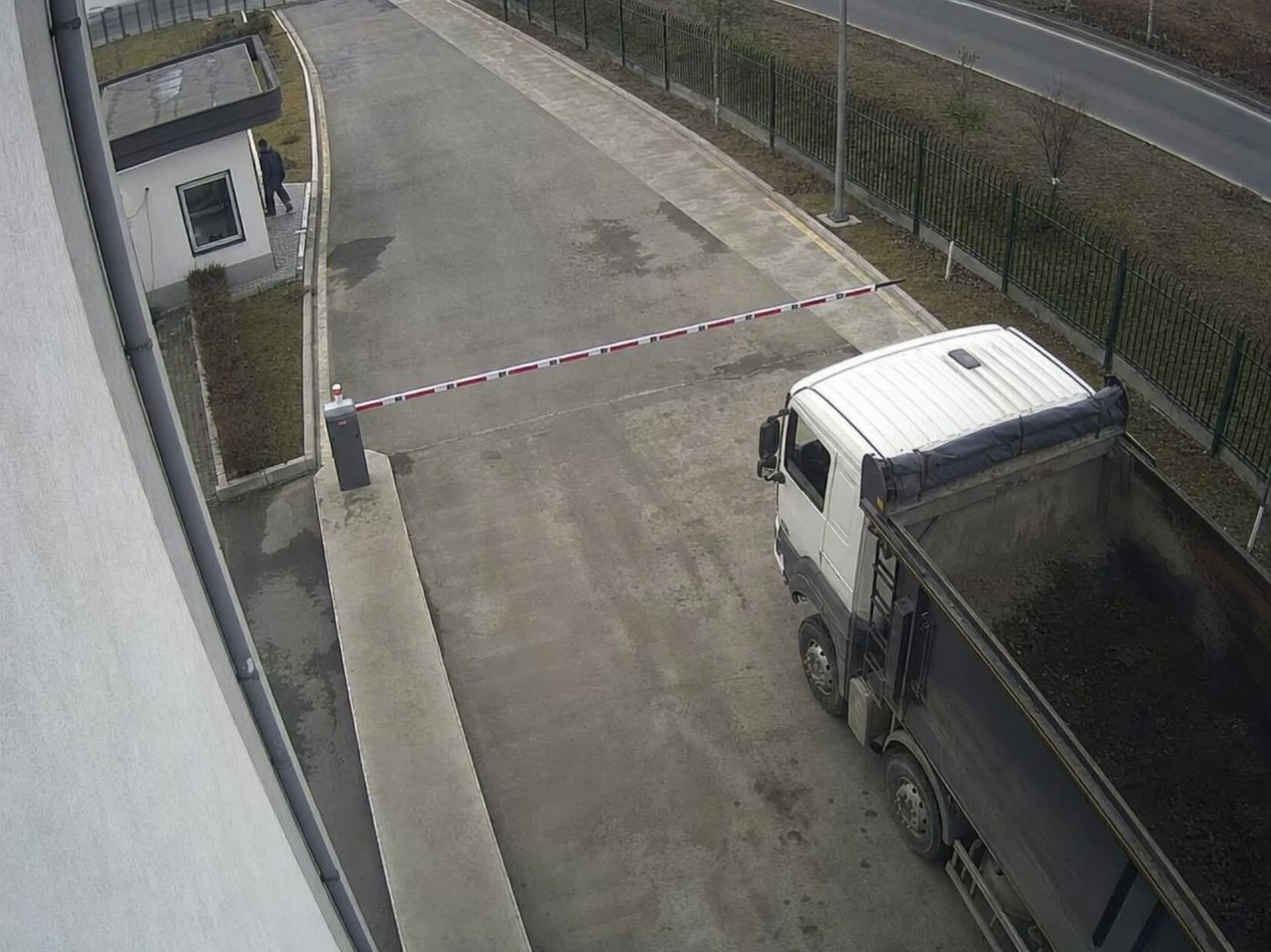 CAM 02Entrance gate
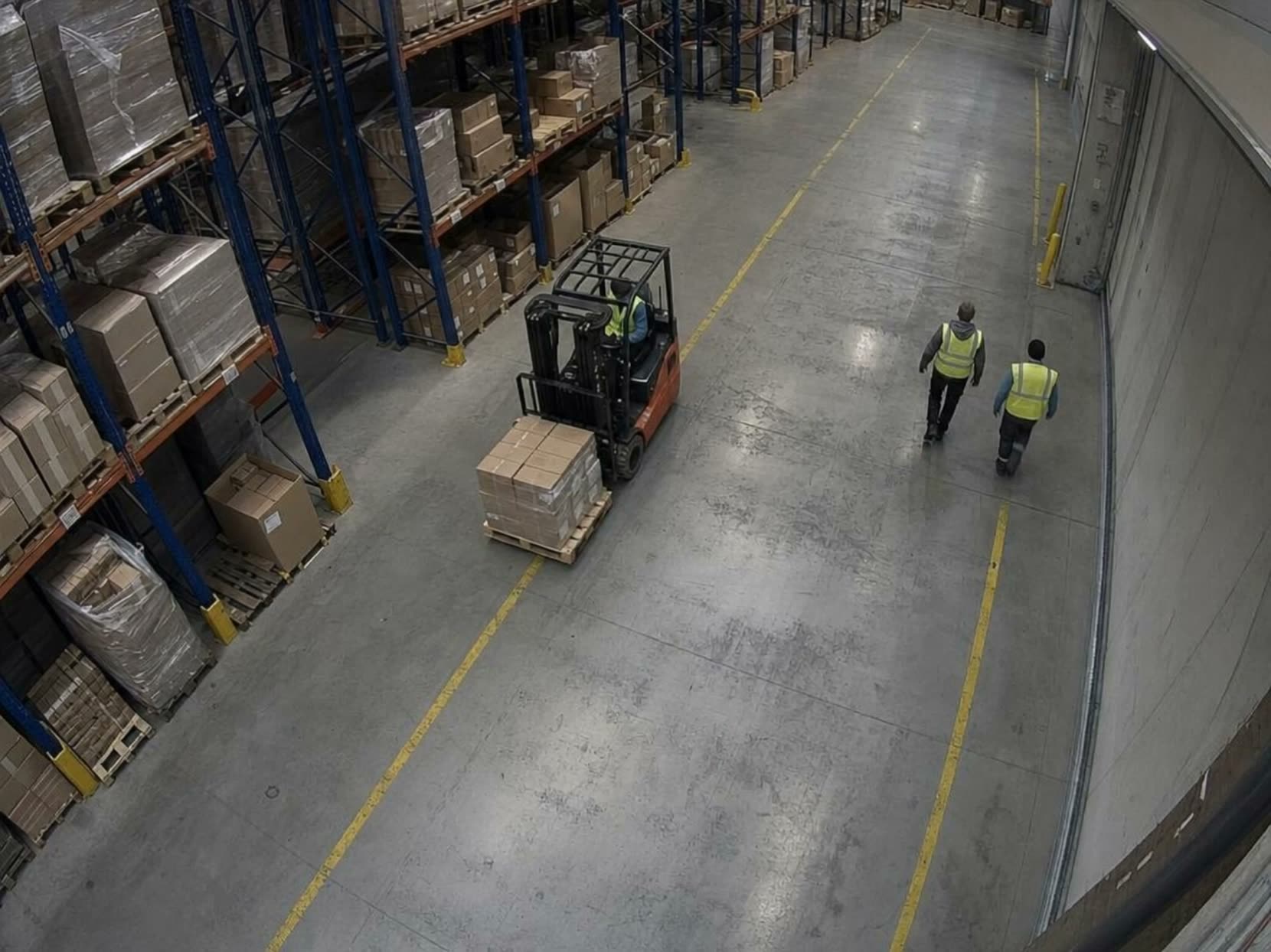 CAM 07Warehouse
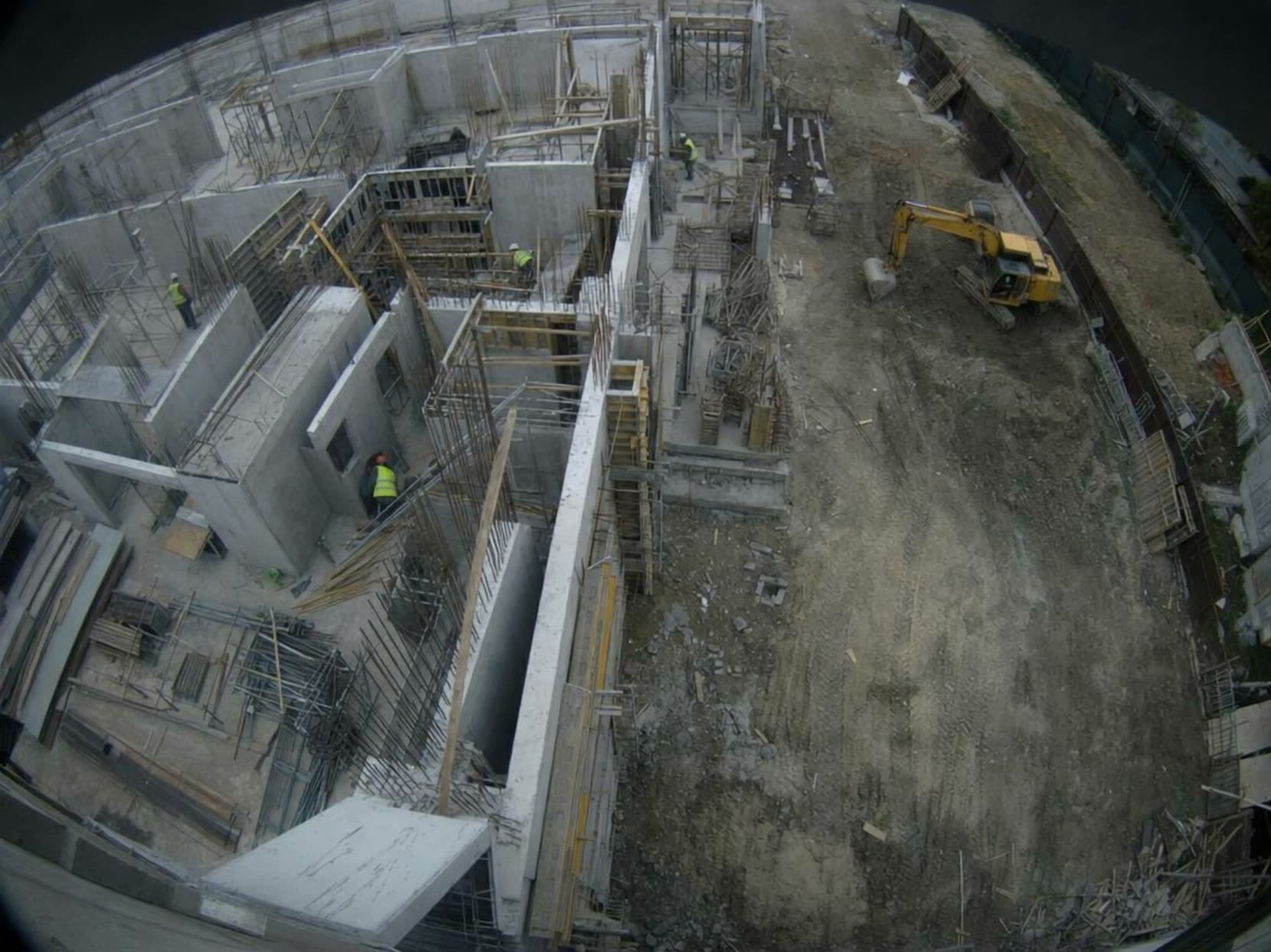 CAM 03Construction site
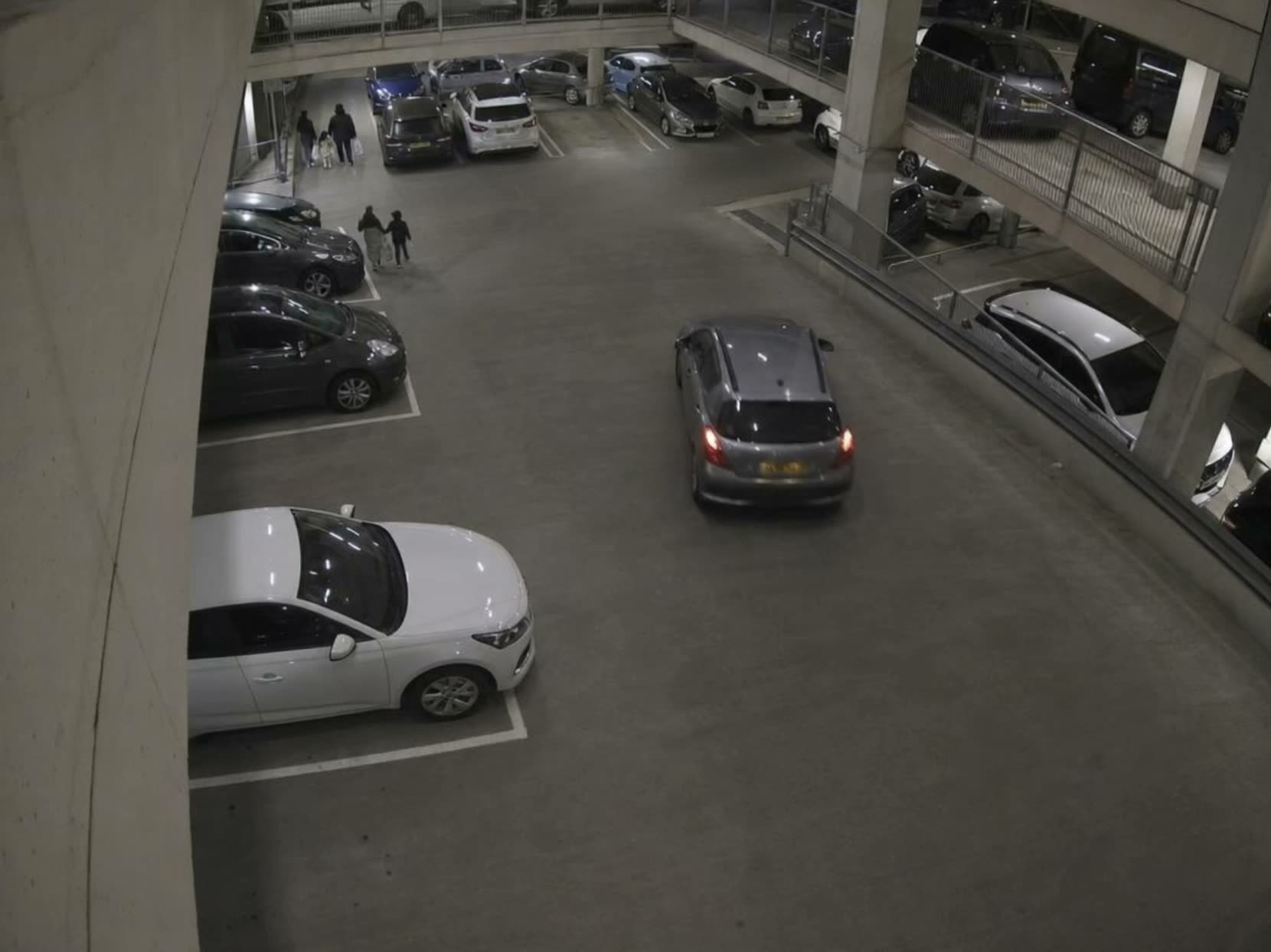 CAM 12Car park
A person or vehicle in a restricted zone, also outside working hours
The analysis runs at your facility or in the cloud. The video does not have to leave your network.
Zone breach · CAM 02
Deployment platform
One place to launch, manage and scale analytics: from a pilot on a few cameras to a rollout across the whole organisation. Integrates with existing CCTV and site systems.
Operator dashboard
Events from every analytic land on one screen, with a clip and a camera map. The operator stops scanning walls of feeds.
Process optimisation
Where the image alone is not enough: video analysis set against operational data, to improve the process rather than only detect an event.
In the car park
Vehicles and pedestrians in one space, plate reading at the entrance, vehicle movement and queues. A view of the levels where nobody is watching a monitor.
The questions we hear most
What does the demo look like?
Usually a test on your cameras and in your conditions: on live video from IP cameras or on recordings you provide. After the test we go through the result: what the system detected, with what confidence, and what it missed. Only then do you decide on a pilot.
Do I have to replace my cameras?
Usually not. The analytics integrate with the existing CCTV installation through standard video streams, so in most cases there is no need to replace hardware. For real-time analysis, IP cameras must be able to send video to the computing environment: over the internet for the cloud, within your own network for an on-site appliance. Recordings can be analysed offline. Integration with your video management system is agreed during the project. If you do not have cameras yet, we help you choose them.
Where does the video from our cameras go?
Wherever you decide. The computing can run on an appliance standing in your facility. Then the video never leaves your network. The alternative is the cloud, when you want a quick start without investing in hardware.
Does it recognise faces?
No. We detect objects and events: a person, a vehicle, a missing helmet, smoke. The system does not recognise faces and does not build profiles of people. Where personal data arises by its nature, for example plate readings, you set the scope and retention at deployment.
How many false alarms does it generate?
Every video analytic generates some. We limit them with threshold calibration and filtering mechanisms, and during the pilot we tune the system to your cameras, scenes and conditions. We give you the test result in numbers, not in assurances.
How long does deployment take?
Usually about 30 days from signing the contract. The exact schedule depends on the location, access, camera configuration and IT requirements. Deployment is preceded by a site visit or a remote configuration review.
What if we need something that is not on the list?
We check feasibility on your footage and tell you straight whether it can be done. If it can, we train a model for your specific case.
We will also tell you what it will not detect.
We analyse your footage and give you the result before deployment, even when it comes out badly.
We will test it on your cameras
Leave your details and we will get back to you within one business day. No obligations.
- We arrange a callWe agree what should be detected and on which cameras.
- Test on your camerasOn live video or on recordings you provide. We go through the result: what it detected and what it did not.
- Pilot, then the whole siteIn your conditions, usually without replacing cameras. Once the results are confirmed, you extend it to the whole site.